
FACET
Support Center
⚡ Getting Started
FACET lets you manage multiple professional identities and share them instantly via NFC, QR code, or direct link. Here's how to get started:
Create Your Profiles
Tap the + button to add profiles for each professional identity (Artist, Executive, Consultant, etc.). Add your photo, contact details, bio, and social links.
Set Your Active Profile
Tap the checkmark icon on any profile to make it your active NFC identity. This is the profile people will see when they tap your NFC sticker.
Program Your NFC Sticker
Use any NFC writing app (like NFC Tools) to program your unique FACET URL to an NFC sticker. Your URL is shown in your profile settings.
Share Instantly
Anyone can tap your NFC sticker, scan your QR code, or click your link to view your active profile and save your contact information.
► Watch How FACET Works
See FACET in action with our 60-second overview.
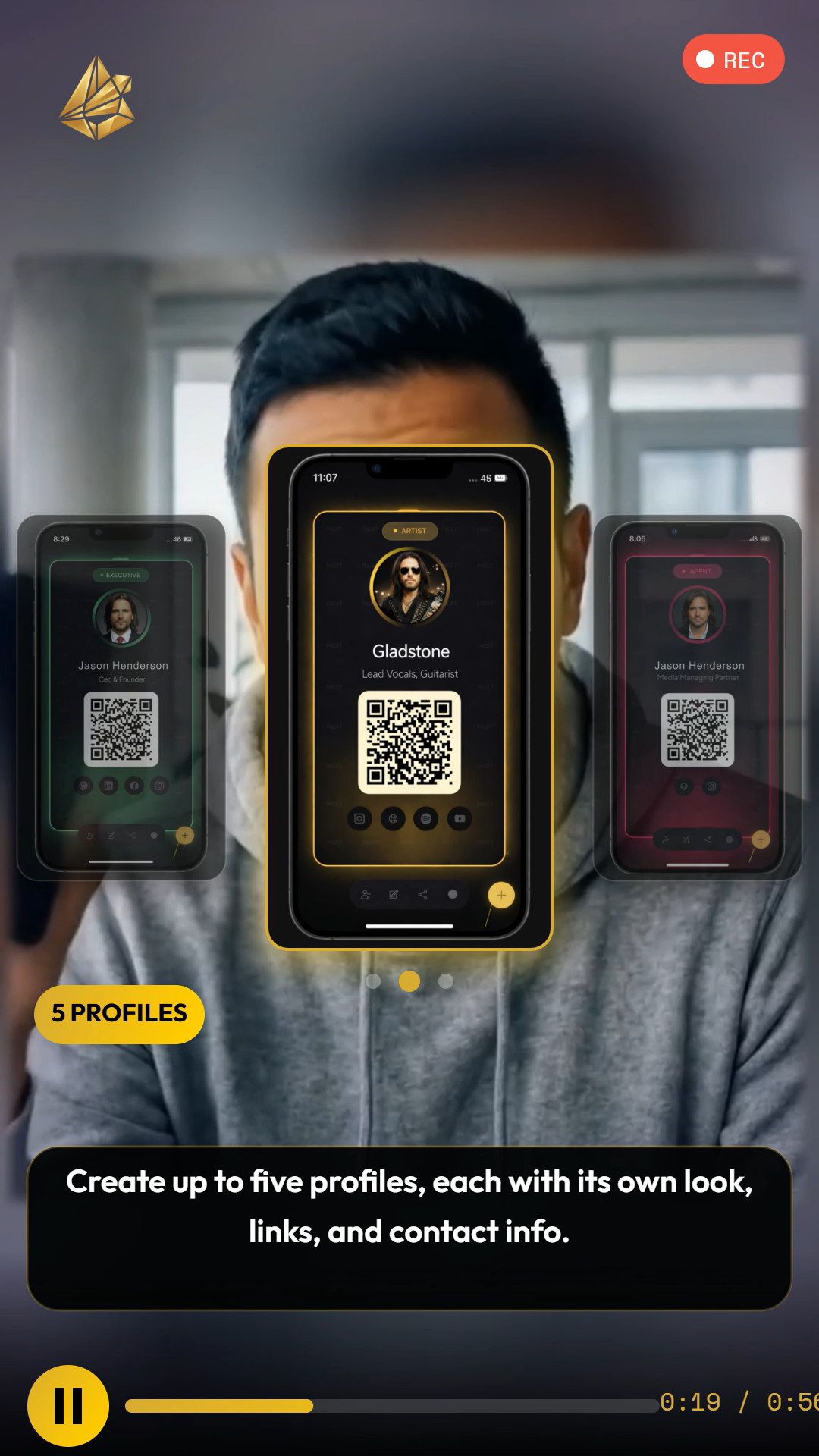
Tap to watch the explainer video
❓ Frequently Asked Questions
How many profiles can I create?
You can create up to 5 professional profiles (FACETs) with a single account. Each profile can have its own photo, title, organization, contact details, bio, and social media links.
What NFC stickers work with FACET?
FACET works with any NFC sticker that supports URL encoding. We recommend NTAG215 or NTAG216 chips. These are widely available on Amazon and work with all modern smartphones (iPhone XR and later, most Android devices).
How do I switch my active profile?
Open the FACET app, navigate to the profile you want to activate using the 3D prism interface, and tap the checkmark icon. Your NFC sticker will now show this profile when tapped.
Do contacts need the FACET app to view my profile?
No. When someone taps your NFC sticker or scans your QR code, they see your profile in their web browser. They can save your contact information directly without installing any app.
How do I share my profile without NFC?
Each profile has a QR code and a shareable link. Tap the share icon on any profile to access these options. You can also copy your link directly and share via text, email, or social media.
Is my data secure?
Yes. FACET uses secure email verification for login (no passwords to remember or steal). Your data is encrypted in transit and at rest. We never sell your information to third parties.
How do I delete my account?
To delete your account and all associated data, please contact us at contact@stablestateit.com with your registered email address. We will process your request within 48 hours.
🔗 NFC Sticker Setup
To use FACET with NFC, you'll need an NFC sticker and an app to program it. Here are the recommended specs:
How to program your NFC sticker:
1. Download "NFC Tools" (free) from the App Store or Google Play
2. Open the app and tap "Write"
3. Add a record, select "URL/URI"
4. Enter your FACET URL (found in your profile settings)
5. Hold your phone near the NFC sticker to write
💬 Contact Support
Can't find what you're looking for? We're here to help.